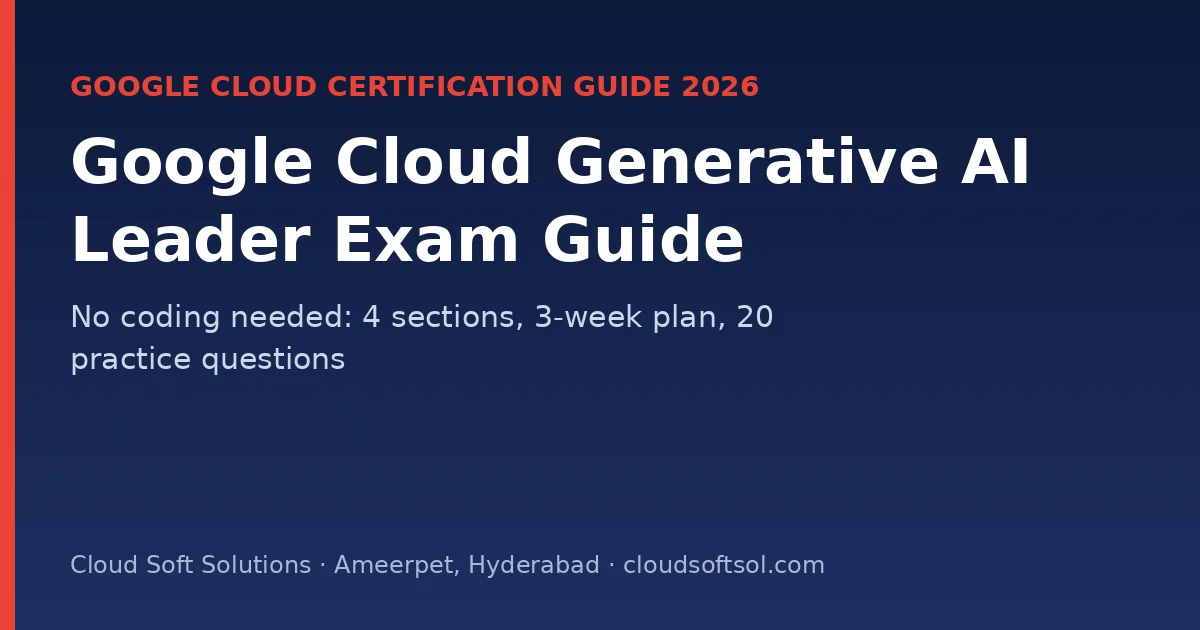
Google Cloud Generative AI Leader is a non-technical certification on generative AI. It shows you understand what gen AI can and can't do, Google Cloud's gen AI products (Gemini, Gemini Enterprise, the Agent Platform, Customer Engagement Suite), how to improve model output, and how to lead a responsible and secure gen AI project. Google says it is for anyone in any job role, with or without hands-on technical experience, which makes it a good first AI credential for freshers, managers, sales, HR and business analysts.
This guide follows Google's official exam guide: all four sections with weights, the key terms, a 3-week plan and 20 original practice questions.
Quick facts (Google Cloud, November 2026)
| Item | Detail |
|---|---|
| Length | 90 minutes |
| Questions | 50–60 multiple choice |
| Fee | USD 99 (plus tax where applicable) |
| Languages | English, Japanese, Spanish |
| Delivery | Online-proctored or onsite-proctored |
| Prerequisites | None |
| Valid for | 3 years |
Read the official Generative AI Leader page and exam guide before you book. Google also publishes a free learning path and sample questions.
Who should take Generative AI Leader?
- Freshers and non-IT graduates who want a first AI credential.
- Managers, product owners, pre-sales and consultants who plan AI projects.
- Developers who want the business view before going deeper with Professional ML Engineer.
Compare it with the more general Cloud Digital Leader and Microsoft's AI-901.
Sections and weights
| Section | Weight |
|---|---|
| 1. Fundamentals of gen AI | ~30% |
| 2. Google Cloud's gen AI offerings | ~35% |
| 3. Techniques to improve gen AI model output | ~20% |
| 4. Business strategies for a successful gen AI solution | ~15% |
Section 1: Fundamentals of gen AI (~30%)
- Core terms: AI, NLP, machine learning, generative AI, foundation models, multimodal models, diffusion models, LLMs, prompt engineering and prompt tuning.
- Supervised, unsupervised and reinforcement learning; the ML lifecycle (ingest, prepare, train, deploy, manage) and Google Cloud tools for each stage.
- Choosing a foundation model: modality, context window, security, reliability, cost, performance and customisation.
- Use cases: create, summarise, discover and automate (text, images, code, video, data analysis and personalisation).
- Data: quality and accessibility; structured vs unstructured; labelled vs unlabelled.
- The gen AI landscape layers: infrastructure, models, platforms, agents and applications.
- Google's models: Gemini (multimodal), Gemma (open models), Imagen (images) and Veo (video).
Section 2: Google Cloud's gen AI offerings (~35%)
- Strengths: AI-first approach, an enterprise-ready platform, an open approach, AI-optimised infrastructure (AI Hypercomputer, TPUs and GPUs), data control and low-code tools.
- Prebuilt offerings: the Gemini app and Gems; Gemini Enterprise (multimodal search and custom agents); Gemini for Google Workspace.
- Customer experience: Agent Search, Google Search grounding, and the Customer Engagement Suite (Conversational Agents, Agent Assist, Conversational Insights and Contact Center as a Service).
- For developers: the Agent Platform (Model Garden, Agent Search, AutoML), RAG offerings and custom agents.
- Agent tooling: extensions, functions, data stores and plugins; services such as Cloud Run, Cloud Functions, Speech, Translation, Document AI and Vision APIs; when to use Agent Studio vs Google AI Studio.
| Business need | Likely offering |
|---|---|
| Employees search and chat across company documents and apps | Gemini Enterprise |
| Help writing emails and documents in Gmail and Docs | Gemini for Google Workspace |
| A 24×7 customer support virtual agent | Customer Engagement Suite (Conversational Agents) |
| Real-time suggestions for human call-centre agents | Agent Assist |
| Developers comparing and deploying many models | Model Garden on the Agent Platform |
| Quick prompt prototyping with Gemini | Google AI Studio |
| Extracting fields from invoices and forms | Document AI |
Section 3: Improving model output (~20%)
- Limitations: data dependency, knowledge cutoff, bias and fairness, hallucinations and edge cases.
- Fixes: grounding, RAG, prompt engineering, fine-tuning and human in the loop; monitoring, versioning and drift tracking.
- Prompting: zero-shot, one-shot, few-shot, role prompting, prompt chaining, chain-of-thought and ReAct.
- Grounding: with your own enterprise data, third-party data or Google Search; prebuilt RAG with Agent Search and RAG APIs.
- Sampling settings: token count, temperature, top-p, safety settings and output length.
Section 4: Business strategy (~15%)
- Types of gen AI solution; business and technical factors; choosing the right solution; integrating gen AI into an organisation; measuring impact.
- Secure AI across the ML lifecycle; Google's Secure AI Framework (SAIF); IAM, Security Command Center and secure-by-design infrastructure.
- Responsible AI: transparency, privacy (anonymisation and pseudonymisation), bias, fairness, accountability and explainability.
3-week study plan (about 1 hour a day)
| Days | Focus |
|---|---|
| 1–4 | AI, ML and gen AI concepts, the ML lifecycle and data types (Section 1) |
| 5–6 | Landscape layers and Google models: Gemini, Gemma, Imagen, Veo |
| 7–11 | Gemini Enterprise, Workspace, Customer Engagement Suite, Agent Platform, agent tooling (Section 2) |
| 12–15 | Limitations, prompting techniques, grounding, RAG, sampling settings (Section 3) |
| 16–18 | Adoption strategy, SAIF and responsible AI (Section 4) |
| 19–21 | Google's sample questions and study guide; book the exam |
Try prompts yourself in Google AI Studio while you study. Seeing temperature and grounding in action makes the concepts stick.
20 practice questions with answers
These are original practice questions written for this guide, not exam questions.
1. A model confidently states a wrong fact about your company's leave policy. What is this called?
A hallucination.
2. How do you make answers rely on your own HR documents?
Grounding with enterprise data, for example RAG with Agent Search.
3. You need answers about events from last week. Which grounding helps?
Grounding with Google Search.
4. You want more creative marketing taglines. Which setting do you raise?
Temperature.
5. Which Google model family generates video?
Veo.
6. Which Google models are open and can run on your own infrastructure?
Gemma.
7. You give the model three example product descriptions before asking for a fourth. Which technique is this?
Few-shot prompting.
8. The model should reason step by step before answering a maths word problem. Which technique?
Chain-of-thought prompting.
9. An AI system decides, calls a tool, observes the result and repeats. Which prompting pattern is this?
ReAct (reason and act).
10. What are the layers of the gen AI landscape?
Infrastructure, models, platforms, agents and applications.
11. Employees want one assistant that searches across Drive, email and company systems. What do you recommend?
Gemini Enterprise.
12. A bank wants a virtual agent for customer queries and real-time help for human agents. Which suite?
Customer Engagement Suite (Conversational Agents and Agent Assist).
13. Customer support tickets are an example of which data type?
Unstructured (text) data.
14. Photos tagged "defect" or "no defect" are an example of what?
Labelled data.
15. What framework does Google publish for securing AI systems?
The Secure AI Framework (SAIF).
16. Customer names must be replaced with consistent placeholders before training. What is this technique?
Pseudonymisation.
17. A model's answers get worse over months as customer behaviour changes. What should you monitor?
Drift, along with performance KPIs, with versioning and periodic evaluation.
18. A gen AI pilot must prove its value to leadership. What do you define first?
Business goals and measurable KPIs (for example, handling time, resolution rate or cost per ticket).
19. When should a human stay in the loop?
For high-impact or high-risk decisions, such as loan approvals, medical advice or legal content.
20. A non-technical team wants to prototype prompts quickly with Gemini. Which tool?
Google AI Studio.
After Generative AI Leader
- Go technical with GCP for AI engineers and the Professional ML Engineer.
- Read FDE vs AI Engineer vs GenAI Engineer and the GenAI engineer salary guide.
- See live AI jobs.
Cloud Soft Solutions in Ameerpet, Hyderabad teaches generative AI, agentic AI and cloud AI for freshers and professionals. See the APEX program, the FDE PRO program and all courses.
📞 Call +91 96660 19191 · WhatsApp · Flat No. 513, 5th Floor, Nilagiri Block, Aditya Enclave, Ameerpet, Hyderabad
Frequently Asked Questions
How long is the Generative AI Leader exam?
90 minutes, with 50 to 60 multiple-choice questions.
How much does the Generative AI Leader exam cost?
USD 99, plus tax where applicable.
Do I need technical experience for Generative AI Leader?
No. Google says it is for anyone in any job role, with or without hands-on technical experience, and there are no prerequisites.
Which section has the most weight?
Google Cloud's gen AI offerings, at about 35%.
How long is the certification valid?
3 years.
Which languages is the exam offered in?
English, Japanese and Spanish.