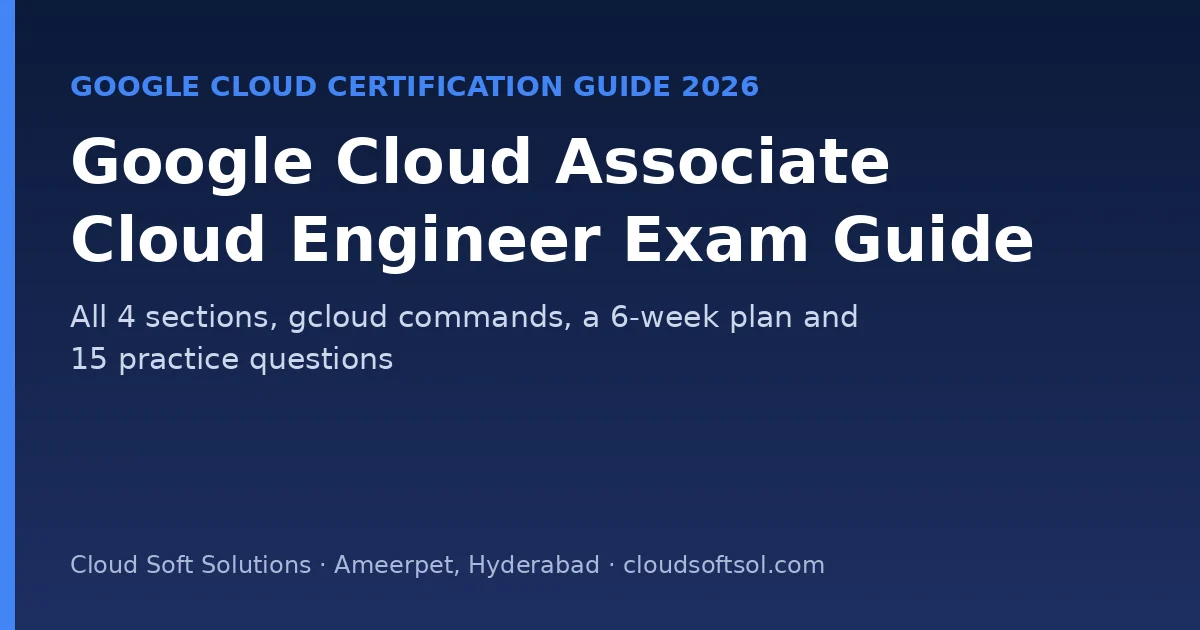
Google Cloud Associate Cloud Engineer (ACE) is Google Cloud's core hands-on certification. It shows you can set up projects, deploy and run workloads on Compute Engine, GKE and Cloud Run, manage storage, networking and monitoring, and secure access with IAM. It is a strong differentiator in India, where far fewer engineers hold Google Cloud credentials than AWS or Azure ones.
This guide follows Google's current exam guide: all four sections with weights, the gcloud commands to know, a 6-week plan and 15 original practice questions.
Quick facts (Google Cloud, November 2026)
| Item | Detail |
|---|---|
| Length | 2 hours |
| Questions | 50–60, multiple choice and multiple select |
| Fee | USD 125 (plus tax where applicable) |
| Languages | English, Japanese, Spanish, Portuguese |
| Delivery | Online-proctored or at a test centre |
| Prerequisites | None; 6+ months of hands-on Google Cloud experience recommended |
| Valid for | 3 years |
| Renewal | Standard exam, or a shorter renewal exam (1 hour, 20 questions, USD 75) from 180 days before expiry |
See the official Associate Cloud Engineer page and exam guide. New Google Cloud customers get free credits on sign-up, which is enough for the labs below if you clean up after each one.
Sections and weights
| Section | Weight |
|---|---|
| 1. Setting up a cloud solution environment | ~20% |
| 2. Planning and implementing a cloud solution | ~30% |
| 3. Ensuring successful operation of a cloud solution | ~30% |
| 4. Configuring access and security | ~20% |
The current guide also includes AI tooling: Gemini Cloud Assist, Gemini CLI, and deploying agents to Agent Runtime on Gemini Enterprise Agent Platform (formerly Vertex AI Agent Engine).
Section 1: Setting up the environment (~20%)
- Projects and accounts: resource hierarchy (organisation, folders, projects), organisation policies, IAM roles in a project, Cloud Identity users and groups, enabling APIs, quotas, product availability by region and zone, Cloud Asset Inventory, Workforce Identity Federation.
- Billing: billing accounts, linking projects, budgets and alerts, billing export.
Section 2: Planning and implementing (~30%)
- Compute: choosing Compute Engine, GKE, Cloud Run or Cloud Run functions for a workload; launching VMs; Persistent Disk vs Hyperdisk; autoscaled managed instance groups from instance templates; OS Login; Spot VMs and custom machine types; GKE Autopilot, regional and private clusters; deploying containers to GKE; event-driven serverless with Pub/Sub, Cloud Storage notifications and Eventarc; GPUs vs TPUs.
- Storage and data: Cloud SQL, BigQuery, Firestore, Spanner, Bigtable, AlloyDB, Dataflow, Pub/Sub, Memorystore; Cloud Storage classes (Standard, Nearline, Coldline, Archive), Filestore; loading data; multi-region redundancy.
- Networking: custom-mode and Shared VPC, VPC peering, firewall rules and Cloud NGFW policies, Cloud VPN and Interconnect, load balancers, Network Service Tiers.
- Tooling: Terraform, Config Connector, Helm; AI-assisted planning with Gemini CLI and Gemini Cloud Assist.
Section 3: Operations (~30%)
- Compute: SSH to VMs, snapshots and images, GKE node pools and autoscaling, Pods, Services and StatefulSets, horizontal and vertical Pod autoscaling, Artifact Registry access, Cloud Run revisions, traffic splitting and autoscaling.
- Storage: bucket security and lifecycle policies, querying Cloud SQL, BigQuery and others, cost estimates, backups and restores, CMEK.
- Networking: resizing subnets, static IPs, custom routes, Cloud DNS, Cloud NAT.
- Monitoring and logging: Cloud Monitoring alerts and custom metrics, audit and VPC Flow Logs, log routers and sinks (for example to BigQuery), Cloud Trace and Profiler, Ops Agent, Managed Service for Prometheus, Active Assist.
Section 4: Access and security (~20%)
- IAM: policies, role inheritance through the hierarchy, basic vs predefined vs custom roles.
- Service accounts: creating them, least-privilege bindings, attaching to resources, impersonation, short-lived credentials, using them from GKE (Workload Identity), Workload Identity Federation.
gcloud commands worth knowing
gcloud config set project my-project
gcloud services enable container.googleapis.com run.googleapis.com
gcloud compute instances create web-1 --zone=asia-south1-a --machine-type=e2-medium
gcloud container clusters create-auto demo --region=asia-south1
gcloud run deploy api --image=REGION-docker.pkg.dev/PROJECT/repo/api:1 --region=asia-south1
gcloud storage buckets create gs://my-unique-bucket --location=asia-south1
gcloud projects add-iam-policy-binding my-project \
  --member=serviceAccount:app@my-project.iam.gserviceaccount.com --role=roles/storage.objectViewer
gcloud logging read 'severity>=ERROR' --limit=20
asia-south1 is Mumbai and asia-south2 is Delhi, the two Google Cloud regions in India.
6-week study plan
| Week | Focus | Lab |
|---|---|---|
| 1 | Hierarchy, IAM basics, billing, APIs, quotas | Project with a budget alert and a custom IAM role |
| 2 | Compute Engine, MIGs, disks, Spot VMs | Autoscaled MIG behind a load balancer |
| 3 | GKE (Autopilot and Standard), Cloud Run, Eventarc | Same container on GKE and Cloud Run; traffic split |
| 4 | Storage and databases; VPC, firewalls, NAT, DNS | Private VM reaching the internet through Cloud NAT |
| 5 | Monitoring, logging, sinks, Ops Agent; Terraform | Alert on CPU; route logs to BigQuery; Terraform a bucket |
| 6 | Service accounts, impersonation, Workload Identity; sample questions | GKE app using Workload Identity; book the exam |
15 practice questions with answers
These are original practice questions written for this guide, not exam questions.
1. Group projects by department and apply policies to each group. What do you use?
Folders in the resource hierarchy, with policies set on each folder.
2. Get an email when monthly spend reaches 80% of a budget. What?
A Cloud Billing budget with threshold alerts.
3. Cheapest compute for fault-tolerant batch jobs?
Spot VMs.
4. Run a stateless container that scales to zero with no cluster to manage. Which service?
Cloud Run.
5. Kubernetes without managing nodes. Which mode?
GKE Autopilot.
6. Store backups accessed less than once a year at the lowest cost. Which class?
Archive storage.
7. Globally consistent relational database that scales horizontally?
Cloud Spanner.
8. Private VMs need outbound internet for updates without external IPs. What?
Cloud NAT.
9. Several projects must share one VPC managed centrally. What?
Shared VPC.
10. Send a new Cloud Run revision 10% of traffic. How?
Traffic splitting between revisions.
11. Export all audit logs to BigQuery for analysis. What do you configure?
A log sink (log router) with BigQuery as the destination.
12. Collect memory and disk metrics from VMs. What do you install?
The Ops Agent.
13. Pods on GKE must call Cloud Storage without key files. How?
Workload Identity, mapping a Kubernetes service account to a Google service account.
14. An admin must act as a service account temporarily without downloading keys. How?
Service account impersonation (Service Account Token Creator role).
15. Predefined roles grant too much. What do you create?
A custom IAM role with only the needed permissions.
After ACE
- Next: Professional Cloud Architect, or AI on Google Cloud with GCP for AI engineers and Vertex AI training.
- Compare clouds: AWS vs Azure vs GCP: which to learn first. Live roles: Google Cloud jobs.
Cloud Soft Solutions in Ameerpet, Hyderabad runs Google Cloud training with hands-on labs and real-time projects. See all courses.
📞 Call +91 96660 19191 · WhatsApp · Flat No. 513, 5th Floor, Nilagiri Block, Aditya Enclave, Ameerpet, Hyderabad
Frequently Asked Questions
How long is the Associate Cloud Engineer exam?
2 hours, with 50 to 60 multiple-choice and multiple-select questions.
How much does the Google Cloud ACE exam cost?
USD 125, plus tax where applicable.
Are there prerequisites for Associate Cloud Engineer?
No. Google recommends 6+ months of hands-on Google Cloud experience.
Which ACE sections carry the most weight?
Planning and implementing a cloud solution, and ensuring its successful operation, at about 30% each.
How long is the certification valid?
3 years. You can renew with the standard exam or a shorter 1-hour renewal exam from 180 days before expiry.
Which Google Cloud regions are in India?
asia-south1 (Mumbai) and asia-south2 (Delhi).