Top Azure Machine Learning Interview Questions & Answers (2025)
Azure Machine Learning (Azure ML) has become one of the most in-demand platforms for building, training, deploying, and managing machine learning models at scale. Whether you’re preparing for interviews, upskilling for a cloud role, or guiding your team toward enterprise AI adoption, this comprehensive Q&A guide provides everything you need with complete explanations, real-world insights, and scenario-based questions.
 What Is Azure Machine Learning?
 What Is Azure Machine Learning?
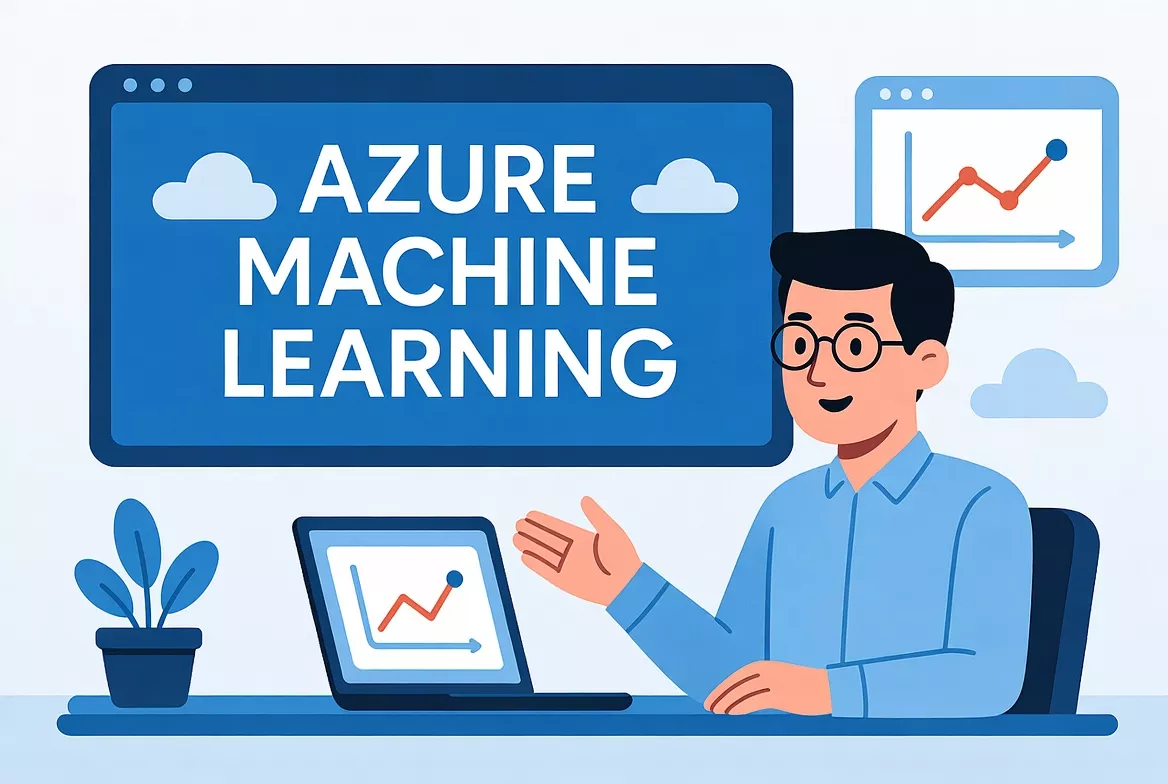
Azure Machine Learning is a cloud-based AI/ML platform that enables data scientists and engineers to build, train, deploy, automate, and monitor machine learning models. The platform supports both code-first and no-code experiences, allowing users to create scalable ML workflows using Python SDK, CLI, AutoML, and visual pipelines.
Key Features
- End-to-end ML lifecycle management
- Support for major ML frameworks: PyTorch, TensorFlow, scikit-learn
- Enterprise-grade security and governance
- MLOps capabilities for CI/CD and automated retraining
- Scalable compute options including GPU clusters
Most Important Azure Machine Learning Questions & Answers
 Most Important Azure Machine Learning Questions & Answers
1. What are the core components of Azure Machine Learning?
Answer:
Azure ML consists of several foundational components:
Workspace
Centralized environment to manage datasets, experiments, models, and compute.
Datastores & Datasets
Abstractions that securely connect ML workloads to Azure Blob, Data Lake, SQL, etc.
Compute Targets
Resources such as compute clusters, compute instances, Kubernetes endpoints, and attached compute.
Experiments & Runs
Track training jobs, logs, metrics, and output artifacts.
Pipelines & Components
Reusable steps that automate ML workflows such as preprocessing, training, validation, and deployment.
Model Registry
Version-controlled storage for trained models.
Endpoints (Real-time & Batch)
REST API interfaces for serving predictions.
2. How does Azure Machine Learning work end-to-end?
Answer:
- Data ingestion into Azure Blob/Data Lake
- Preprocessing & feature engineering
- Training jobs or AutoML experiments
- Hyperparameter tuning for optimized models
- Model registration in the registry
- Deployment to real-time or batch endpoints
- Monitoring for drift, latency, failures
- Retraining pipelines for continuous improvement
Azure ML supports full lifecycle automation and integration with DevOps tools.
3. What is AutoML in Azure Machine Learning?
Answer:
AutoML (Automated Machine Learning) automates tasks like:
- Algorithm selection
- Feature normalization
- Hyperparameter tuning
- Model evaluation and ranking
Developers simply supply a dataset and target column. AutoML tests many ML pipelines and suggests the best-performing model.
AutoML is ideal for classification, regression, time-series forecasting, and rapid experimentation.
4. Explain Azure ML Experiments and Runs.
Answer:
An Experiment is a collection of one or more training executions, called Runs.
A Run captures:
- Hyperparameters used
- Logs and metrics
- Model files
- Environment configuration
- Training outputs and charts
Runs help data scientists compare different models and track performance improvements.
5. What are Azure ML Compute Targets?
Answer:
Types of Compute:
- Compute Instance – Dedicated VM for development (Jupyter, VS Code, SDK).
- Compute Cluster – Autoscaling cluster for running parallel training jobs.
- Inference Cluster – High-availability cluster for real-time inference.
- Attached Compute – External HDInsight, Databricks, or custom compute.
Choosing the right compute type impacts cost, speed, and scalability.
6. What is HyperDrive in Azure ML?
Answer:
HyperDrive is Azure ML’s hyperparameter optimization engine. It automates:
- Parameter sampling
- Running multiple parallel training jobs
- Monitoring model performance
- Selecting the best run
Supports random search, grid search, Bayesian sampling, and early termination policies.
7. How do you deploy a model in Azure ML?
Answer:
Deployment involves:
- Register model
- Define scoring script (inference script)
- Create environment (conda/requirements)
- Choose deployment target
- Managed online endpoint
- Kubernetes (AKS)
- Container Instances (ACI)
- Deploy and test API endpoint
Azure ML automatically generates REST endpoints with authentication tokens.
8. What is the difference between Real-Time and Batch Endpoints?
Answer:
Real-Time Endpoints
- Provide low-latency responses
- Best for chatbots, fraud detection, recommendation engines
Batch Endpoints
- Process large datasets asynchronously
- Suitable for periodic scoring jobs (e.g., monthly customer analytics)
9. How does model monitoring work in Azure Machine Learning?
Answer:
Azure ML monitors:
- Prediction latency
- Request/response logs
- Data drift (input distribution changes)
- Model performance degradation
- Failure and anomaly alerts
Model monitoring helps decide when to retrain or roll back a model.
10. What security features are available in Azure Machine Learning?
Answer:
Security Layers:
- Role-Based Access Control (RBAC)
- Private VNet integration
- Encryption at rest & transit
- Key Vault for secrets
- Managed identities
- Audit logs and governance
These make Azure ML suitable for enterprises with strict compliance requirements.
Advanced Azure Machine Learning Interview Questions
11. How do you design a production-grade ML workflow in Azure?
Answer:
A robust architecture includes:
Data Layer
Azure Data Lake / Blob Storage → Data Factory → Databricks (optional)
Training Layer
Azure ML Pipelines → AutoML / Custom Training → HyperDrive
Model Management Layer
Model Registry → Versioning → Approval workflow
Deployment Layer
Online Endpoints / AKS → Traffic splitting → Canary deployments
Monitoring Layer
Application Insights → Azure Monitor → Data & model drift detection
12. What is a Pipeline Component in Azure ML?
Answer:
A Component is a reusable, versioned block that represents a logical step in an ML workflow, such as:
- Data cleaning
- Feature engineering
- Model training
- Evaluation
- Batch scoring
Components improve pipeline maintainability, reusability, and collaboration.
13. What challenges do teams face when using Azure ML?
Answer:
Common Challenges & Solutions
| Challenge | Solution |
|---|---|
| High compute costs | Use autoscaling clusters & low-priority VMs |
| Long training times | Distributed training / GPU VMs |
| Data drift | Set up monitoring & retraining pipelines |
| Complex model deployment | Use managed online endpoints |
| Dependency issues | Use environment specification (Conda + Docker) |
14. What are the best practices for Azure Machine Learning?
Answer:
- Use version control for code, data, and models
- Use MLflow or Azure ML tracking for transparency
- Store secrets in Key Vault
- Deploy using CI/CD (Azure DevOps or GitHub Actions)
- Enable drift monitoring and automatic retraining
- Use tagging and naming conventions for assets
15. What are Environments in Azure ML?
Environments specify software dependencies like Python version, conda packages, and Docker settings required for training or inference.
16. What is Batch Inference?
Batch inference processes large volumes of data in bulk. It is used for generating predictions for datasets like monthly billing or customer segmentation.
17. What is Data Drift?
Data Drift refers to changes in data distribution over time. Azure ML monitors drift and alerts when model accuracy may decrease.
18. What logging capabilities does Azure ML provide?
Azure ML logs:
- Metrics
- Training loss
- System logs
- Environment settings
- Model artifacts
- Charts and visualizations
19. What is MLflow Integration in Azure ML?
Azure ML supports MLflow for tracking experiments, model logging, workflows, and production deployments.
20. What are Azure ML Designer Pipelines?
A visual drag-and-drop interface for building ML workflows without writing code. Ideal for beginners or rapid prototyping.
Advanced & Scenario-Based Azure ML Questions
21. How do you scale training workloads in Azure ML?
Use Azure ML Compute Clusters with autoscaling, low-priority VMs, distributed training frameworks, and parallel training runs.
22. How do you implement CI/CD for Azure ML models?
Use Azure DevOps or GitHub Actions to automate:
- Dataset versioning
- Model training
- Testing
- Deployment to staging
- Promotion to production
23. What is a Managed Online Endpoint?
It is a fully managed, scalable endpoint for deploying production ML models without needing Kubernetes or manual infrastructure.
24. When should you use AKS for model deployment?
Use AKS when you need:
- High concurrency
- GPU support
- Large-scale inference
- Custom networking
- Enterprise routing controls
25. How does Azure ML ensure security?
It provides:
- RBAC
- Private endpoints
- VNet integration
- Encryption
- Key Vault integration
- Identity-managed secrets
26. How do you handle large datasets during training?
Use:
- Databricks or Spark clusters
- Data parallelism
- Streaming data pipelines
- Distributed training frameworks
27. What is Azure Machine Learning Studio?
A web-based UI where users can manage datasets, experiments, models, compute, AutoML, and pipelines.
28. What is Responsible AI in Azure ML?
Azure ML provides tools for:
- Fairness detection
- Explainability (model interpretability)
- Error analysis
- Privacy & compliance
29. What causes Model Drift and how do you fix it?
Causes:
- Changes in user behavior
- Seasonality
- New data patterns
Solutions:
- Enable drift monitoring
- Automate retraining pipelines
- Use champion-challenger models
30. What is the best way to monitor a production ML model?
Monitor using:
- Prediction latency
- Failure rates
- Data drift
- Model accuracy
- Resource utilization
- Retraining triggers
Azure Monitor + Application Insights provide complete observability.
Conclusion
 Conclusion
Azure Machine Learning is a complete ecosystem for building enterprise-grade AI solutions. From training and deployment to monitoring and automation, Azure ML provides everything needed for scalable, secure, and reliable machine learning operations.
This Q&A guide is designed to help professionals, students, and organizations master Azure ML concepts and prepare for interviews or real-world projects — making it a perfect fit for cloud-focused platforms like www.cloudsoftsol.com.