How to Create an AWS Free Tier Account (Step-by-Step Guide – 2025)
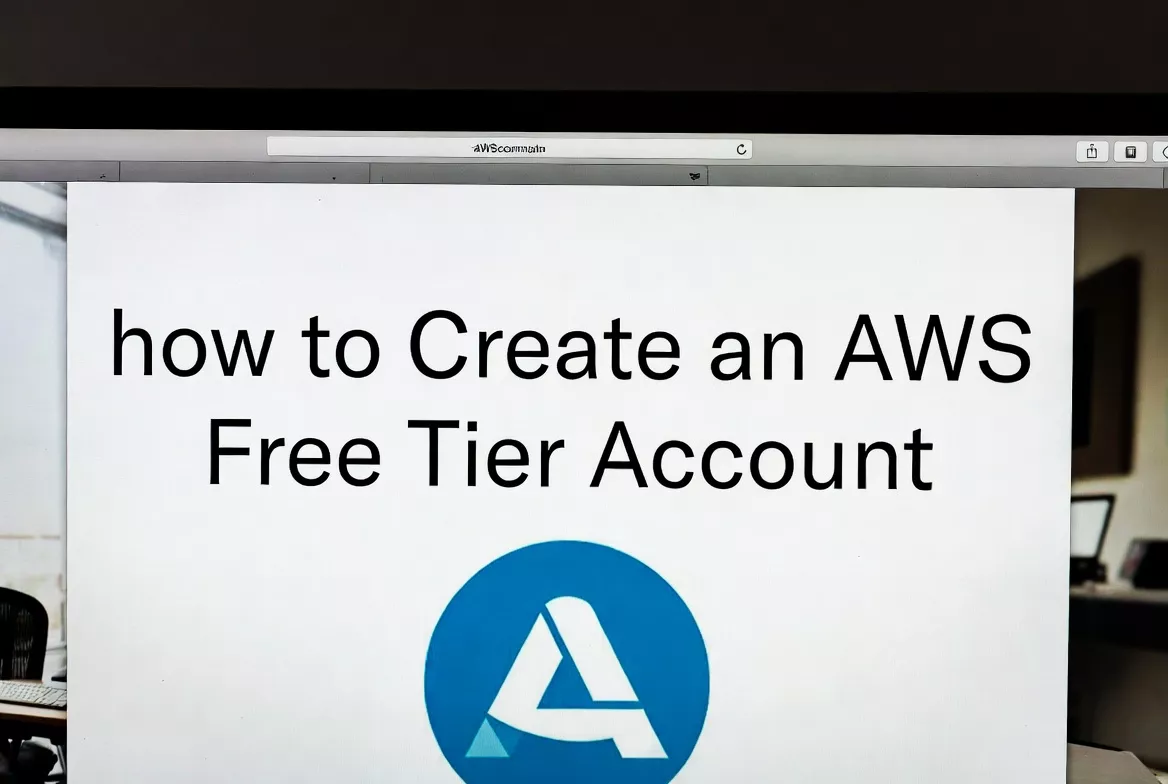
Creating an AWS Free Tier account is the first step to learning Cloud Computing, DevOps, and AWS services hands-on without upfront cost. Amazon Web Services (AWS) offers a 12-month Free Tier along with Always Free services, making it ideal for students, freshers, and IT professionals.
This detailed guide explains how to create an AWS Free Tier account, including email verification, mobile OTP, and bank card verification, along with important precautions to avoid unexpected charges.
What Is AWS Free Tier?
AWS Free Tier allows new users to explore AWS services at no cost, within defined usage limits.
AWS Free Tier Types
- 12-Months Free
- Starts from account creation date
- Always Free
- Available even after 12 months
- Trials
- Short-term free usage for specific services
Prerequisites to Create an AWS Account
Before starting, keep the following ready:
- Valid Email ID
- Mobile number (OTP verification)
- Debit or Credit Card (Mandatory)
- PAN card / Address (for billing details)
- Stable Internet connection
Important: Even for Free Tier, bank card verification is mandatory.
 Important: Even for Free Tier, bank card verification is mandatory.
Step-by-Step Process to Create AWS Free Tier Account
Step 1: Visit Official AWS Website
Open your browser and go to:
Click on “Create an AWS Account”
Step 2: Enter Email Address and Account Name
- Enter a valid email address
- Provide an AWS Account Name (Example: Cloudsoft-AWS-Training)
- Click Verify Email Address
Email Verification
- AWS sends a verification code
- Enter the code and proceed
Step 3: Set Root User Password
- Create a strong password
- Minimum 8 characters
- Uppercase, lowercase, number & special character
- Confirm password
 Click Continue
Step 4: Enter Contact Information
Choose Account Type:
- Select Personal (recommended for learners)
- Select Professional (for companies)
Fill in:
- Full Name
- Address
- City, State, Country
- Postal Code
- Mobile Number
Click Continue
Step 5: Bank / Card Verification (Most Important Step)
AWS requires card verification even for Free Tier.
Accepted Cards
- Credit Card (Visa / MasterCard)
- Debit Card with International Transactions enabled
What AWS Does During Verification
- AWS deducts ₹2 or ₹5 (temporary) for verification
- Amount is automatically refunded
- This confirms card authenticity
Common Card Issues & Solutions
| Issue | Solution |
|---|---|
| Debit card rejected | Enable International Transactions |
| OTP not received | Check bank-registered mobile number |
| Transaction failed | Use another card (Credit card recommended) |
| Zero balance card | Maintain minimum balance |
 Best Practice: Use a Credit Card or Visa/Mastercard Debit Card with international usage enabled.
Step 6: Identity Verification via Mobile OTP
- AWS sends OTP to your mobile number
- Select verification method:
- Text Message (SMS)
- Voice Call
- Enter OTP and verify
Step 7: Select AWS Support Plan
Choose Basic Support (Free)
This includes:
- 24/7 customer service
- Documentation & community support
Click Complete Sign-Up
Step 8: AWS Account Activation
- AWS may take 2–5 minutes
- You’ll receive “Account Activated” email
- Login using Root User email
Step 9: Access AWS Management Console
Go to:
Login with:
- Root Email
- Password
 Your AWS Free Tier account is ready!
AWS Free Tier Services (Popular Ones)
| Service | Free Tier Limit |
|---|---|
| EC2 | 750 hours/month (t2.micro / t3.micro) |
| S3 | 5 GB storage |
| RDS | 750 hours |
| Lambda | 1 million requests |
| CloudWatch | Basic monitoring |
| IAM | Always Free |
Very Important AWS Free Tier Safety Tips
1. Enable Billing Alerts (Mandatory)
- Go to Billing Dashboard
- Enable Billing Alerts
- Set threshold: ₹0 or ₹500
2. Always Stop EC2 Instances
- Running EC2 = charges
- Stop when not in use
3. Delete Unused Resources
- Elastic IPs
- Load Balancers
- NAT Gateways
4. Avoid Paid Regions & Services
Some services are not Free Tier eligible:
- NAT Gateway
- AWS Backup
- Data Transfer out
Root User Security Best Practices
- Do not use root user daily
- Create IAM Admin User
- Enable MFA (Multi-Factor Authentication)
Who Should Use AWS Free Tier?
- Students & Freshers
- DevOps Engineers
- Cloud Engineers
- System Administrators
- Anyone learning AWS, DevOps, or Cloud
Why Learn AWS with Cloudsoft Solutions?
At Cloudsoft Solutions, we provide:
- Real-time AWS & DevOps Training
- Hands-on AWS Free Tier Labs
- Job-oriented curriculum
- Placement assistance
- Industry-expert trainers
 For AWS & DevOps Training: 9666019191
 Location: Ameerpet, Hyderabad
Final Thoughts
Creating an AWS Free Tier account is simple, but understanding bank verification, billing safety, and resource management is critical to avoid unexpected charges. Follow this step-by-step guide carefully and you’ll have a secure, cost-free AWS learning environment.