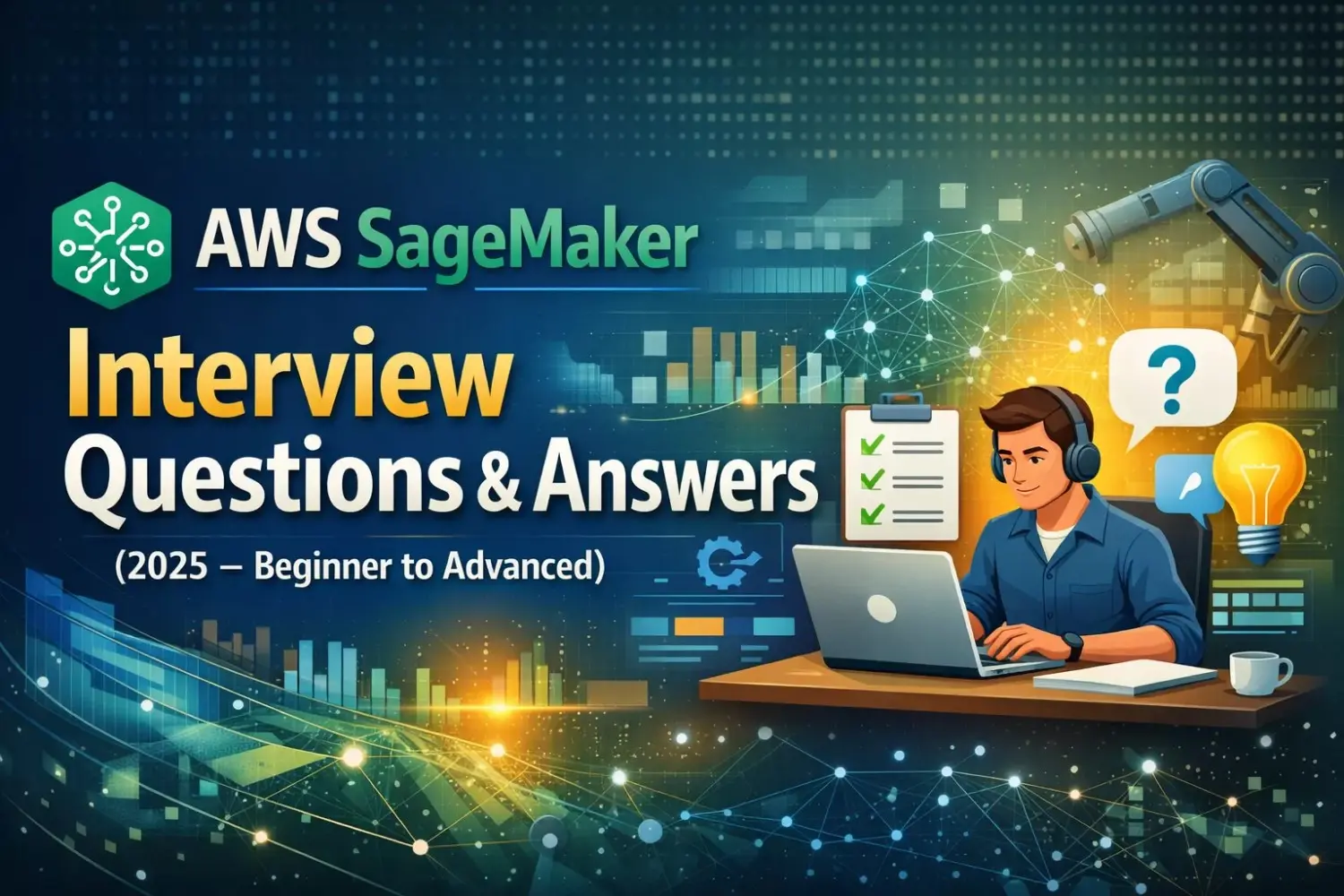
AWS SageMaker Interview Questions & Answers (Beginner to Advanced) Latest 2025
Amazon SageMaker is AWS’s fully managed Machine Learning (ML) platform that enables teams to build, train, deploy, and monitor ML models at scale. It is a frequently tested topic in MLOps, AI, and Cloud Architect interviews.
This guide covers real interview questions, from fundamentals to production-grade scenarios.
AWS SageMaker Basics – Interview Questions
1. What is Amazon SageMaker?
Amazon SageMaker is a fully managed ML service that provides tools for:
- Data preparation
- Model training
- Hyperparameter tuning
- Deployment
- Monitoring and governance
It eliminates the need to manage infrastructure manually.
2. Why is SageMaker preferred over plain EC2 for ML?
| EC2 | SageMaker |
|---|---|
| Manual setup | Fully managed |
| No built-in ML tools | End-to-end ML lifecycle |
| No auto-scaling | Auto-scaling endpoints |
| No model monitoring | Built-in monitoring |
Interview Tip: SageMaker reduces operational overhead and accelerates ML production.
3. Key components of Amazon SageMaker?
- SageMaker Studio
- Notebook Instances
- Training Jobs
- Built-in Algorithms
- Hyperparameter Tuning
- Model Registry
- Endpoints
- Model Monitor
- Pipelines
SageMaker Studio & Notebooks
4. What is SageMaker Studio?
SageMaker Studio is a web-based IDE that allows:
- Model development
- Experiment tracking
- Pipeline creation
- Model deployment
It replaces traditional notebook instances.
5. Difference between Notebook Instance and SageMaker Studio?
| Notebook Instance | SageMaker Studio |
|---|---|
| Single EC2-based notebook | Unified ML IDE |
| Limited collaboration | Multi-user |
| Manual scaling | On-demand compute |
Model Training Interview Questions
6. What training options does SageMaker support?
- Built-in algorithms
- Custom training using Docker
- Framework containers (TensorFlow, PyTorch, XGBoost)
- Script mode training
7. What are built-in algorithms in SageMaker?
AWS-provided optimized algorithms such as:
- XGBoost
- Linear Learner
- K-Means
- Image Classification
- BlazingText
They are optimized for performance and scalability.
8. What is Script Mode?
Script Mode allows:
- Using your own training scripts
- Running them inside managed SageMaker containers
Interview Insight: Best balance between flexibility and managed infrastructure.
Hyperparameter Tuning
9. What is SageMaker Hyperparameter Tuning?
It automatically finds optimal hyperparameters by running multiple training jobs using:
- Bayesian optimization
- Random search
10. How does SageMaker reduce tuning cost?
- Parallel training jobs
- Early stopping
- Spot instances
Model Deployment Interview Questions
11. How do you deploy a model in SageMaker?
Steps:
- Train model
- Create model artifact
- Configure endpoint
- Deploy to endpoint
- Invoke via API
12. Difference between real-time and batch inference?
| Real-Time Endpoint | Batch Transform |
|---|---|
| Low latency | Offline |
| Always running | On-demand |
| Higher cost | Cheaper |
13. What is multi-model endpoint?
A single endpoint hosting multiple models, reducing:
- Cost
- Resource usage
Best for low-traffic ML models.
Model Monitoring & Drift Detection
14. What is SageMaker Model Monitor?
Model Monitor detects:
- Data drift
- Model quality issues
- Feature distribution changes
15. How does SageMaker detect drift?
By comparing:
- Baseline training data
- Live inference data
Uses statistical thresholds.
SageMaker Pipelines & MLOps
16. What is SageMaker Pipelines?
A native CI/CD service for ML that enables:
- Automated training
- Validation
- Deployment
- Versioning
17. How does SageMaker support MLOps?
- Pipelines for automation
- Model Registry for versioning
- CloudWatch for monitoring
- IAM for security
18. How do you roll back a model in SageMaker?
- Switch endpoint to previous model version
- Update pipeline configuration
- Use traffic shifting
Security & Governance Questions
19. How do you secure SageMaker?
- IAM roles & policies
- VPC endpoints
- KMS encryption
- Private endpoints
- CloudTrail logging
20. Can SageMaker run in a private VPC?
Yes. SageMaker supports:
- Private subnets
- No public internet access
- VPC endpoints
Cost Optimization Interview Questions
21. How do you reduce SageMaker costs?
- Use Spot training jobs
- Auto-scale endpoints
- Batch inference instead of real-time
- Stop idle Studio instances
22. What are SageMaker Spot Training Jobs?
They use EC2 Spot Instances, offering up to 90% cost savings with checkpointing.
Advanced & Scenario-Based Questions
23. Design an end-to-end ML pipeline using SageMaker
Architecture:
- S3 → Data storage
- SageMaker Processing → Feature engineering
- Training Job → Model training
- Model Registry → Versioning
- Endpoint → Deployment
- Model Monitor → Drift detection
24. SageMaker vs Vertex AI vs Azure ML?
| Platform | Strength |
|---|---|
| SageMaker | Governance & scale |
| Vertex AI | AutoML & data |
| Azure ML | Enterprise UI |
AWS SageMaker Interview Keywords (Resume Boost)
- SageMaker Pipelines
- Model Registry
- Drift Detection
- Spot Training
- MLOps Automation
- CI/CD for ML
- Feature Engineering
Final Thoughts
AWS SageMaker is a core skill for modern MLOps and AI roles. Interviewers test not just definitions, but real production decisions—cost, security, automation, and monitoring.
Mastering SageMaker puts you ahead in roles such as:
- MLOps Engineer
- ML Engineer
- Cloud Architect
- AI Platform Engineer