Featured Cohort · 2026
Cloud & DevOps Engineering
AWS · Azure · Kubernetes · Terraform · 100% Job Guarantee
Leader in IT Training & Placement with 5,500+ placements. Master AWS, Azure, DevOps, Citrix, Python, Machine Learning — with 100% job assistance and a personal AI tutor by your side.



 +5.5k
+5.5kAWS · Azure · Kubernetes · Terraform · 100% Job Guarantee
“Explain AWS IAM roles vs policies in 2 lines”


Four focused stages. Average time: 12–16 weeks for beginners, 6–10 weeks for working professionals upskilling. No fluff, no surprises.
Book a free counselling →Free counselling call maps your background and goals to the fastest path — AWS, Azure, DevOps, Python, ML, Citrix, SRE, or a custom combo.
Instructor-led sessions (classroom, online, or weekend) plus an AI tutor trained on your course for 24/7 Q&A, quizzes, and feedback.
Build a portfolio recruiters care about — multi-AZ VPCs, AKS clusters, CI/CD with Jenkins + ArgoCD, a Python Fullstack app, and more.
Resume review, mock interviews, direct intros to 2,000+ hiring partners. Our placement team stays with you until you're hired. Median: 45 days.
From your first lesson to your first offer letter — we stay with you. 98.5% placement success rate through our long-established network.
Dedicated placement team with 100% job assistance across 2,000+ leading IT companies in India. The track record speaks for itself.
Hands-on builds across AWS, DevOps, ML, IoT — portfolio that passes screening.
Continued activity after course completion until every learner lands a role.
Trainers with 10+ years of enterprise experience — still hands-on with production.
Python Fullstack + AWS + Linux + SQL from just ₹15,000. Quality without the premium.
Morning, evening, weekend, self-paced — plus 1:1 mentorship, an AI tutor on every course, and flexible pacing that matches your career timeline.
Every Cloudsoft course now ships with an AI assistant trained on your curriculum. Ask anything. Get quizzed. Track progress. Graduate faster.
Trained on your specific course with citations to the exact lesson.
Generate MCQs and short-answer questions from any lesson on demand.
Submit answers, get rubric-based feedback and a score in seconds.
Semantic search across 500+ lessons to find what you need.

Sreekanth Sir leads the AWS, Azure, DevOps, and Linux tracks at Cloudsoft. With 15+ years designing and running enterprise cloud systems, he's trained over 5,500 engineers — many now at Fortune-500 MNCs, hyperscalers, and top startups across India.
5,500+ alumni placed across 2,000+ organisations — including Fortune-500 consulting giants like Accenture, TCS, Infosys, Wipro, HCLTech, Tech Mahindra, Cognizant, Capgemini, Deloitte, PwC, IBM and Virtusa, product MNCs like Microsoft, Amazon, Google, Dell, Cisco, Oracle, Optum and Ericsson, plus fast-growing startups and hyperscalers.










Real stories from learners who transformed their careers with Cloudsoft's structured training and dedicated placement support.
Cloudsoft's AWS training was a game-changer. Sreekanth Sir is the TOP trainer for AWS, Azure, DevOps, Linux. I landed a job at a top MNC right after completing the course.
Azure training exceeded my expectations. Up-to-date curriculum, knowledgeable trainers. I secured an Azure Administrator role at a leading IT firm. Truly life-changing!
Coming from a non-technical background, I was unsure about switching to IT. Cloudsoft's structured training on AWS and Citrix, plus placement support, made the transition smooth.
Unlock AI-tutor chat, save courses, track your progress, and book demo seats. No credit card. No spam. Join 9,438+ learners already inside.
Short reads on each program, placement outcome, and how Cloudsoft compares — with direct links to the details, schedules, and interview prep.
Cloudsoft Solutions is the highest-rated cloud training institute in Hyderabad, running live classroom and online batches from our Ameerpet campus since 2011. Our AWS, Azure, Google Cloud and DevOps programs are designed around one outcome — a working engineer with a portfolio and a placement offer.
We teach small-batch classroom sessions (capped at 18 students) alongside India-wide live online cohorts. Every Cloudsoft course ships with an AI tutor trained on your exact curriculum, production-grade lab environments, and hand-on real-time projects you can demo in technical interviews at TCS, Infosys, Wipro, Accenture, Capgemini, HCLTech, and fast-growing product companies.
Our AWS Solutions Architect + DevOps program is Hyderabad's most-enrolled cloud course. The 60-hour curriculum covers EC2, S3, VPC, Lambda, IAM, CloudFront, Route53, CloudFormation, and production-grade EKS deployments with Terraform and Jenkins. We prepare you for the AWS SAA-C03 certification alongside real placement interviews.
Students ship a multi-AZ VPC project, a serverless API using Lambda + API Gateway + DynamoDB, and a full CI/CD pipeline with GitOps (ArgoCD) — portfolio pieces that consistently get through screening panels at Fortune-500 MNCs.
Cloudsoft's Azure track is a Hyderabad favourite for BFSI and Microsoft-shop enterprises. You'll master Azure core services, AVD (Azure Virtual Desktop) architecture with FSLogix profiles, Intune Autopilot, Microsoft 365 integration, and compliance baselines. We prep you for AZ-104 and MD-102 certifications.
Popular with working professionals upskilling from VMware/Citrix backgrounds — the weekend-only batch fills up weeks ahead.
The Cloudsoft DevOps programme covers Docker, Kubernetes (EKS/AKS/GKE), Jenkins, GitHub Actions, Terraform, Ansible, ArgoCD, Prometheus and Grafana — the complete 2026 DevOps toolchain. You'll ship a full CI/CD pipeline with GitOps, implement observability with SLI/SLO targets, and debug real-world incidents in a simulated production lab.
For learners who want maximum hiring optionality, our Multi-Cloud DevOps bundle spans AWS + Azure + GCP + Linux + Python + SQL — 80 hours of live instruction, flat-priced.
Placement is the point. Our dedicated placement desk rebuilds resumes, runs structured mock interviews modelled on each hiring panel, and makes warm introductions to 2,000+ partner companies. Median time from course completion to offer letter: 45 days.
In April 2026 alone, Cloudsoft placed engineers across AWS Cloud Engineer, Azure Administrator, Citrix Specialist, DevOps Engineer and SRE roles — including 6 placements in 16 days in a single cohort.
Three things set us apart: (1) trainers are practising engineers who ship production systems — not career educators; (2) curriculum updates weekly, not annually, so 2026 cohorts get GKE, Vertex AI, FSLogix and advanced Intune content other institutes haven't added; (3) every Cloudsoft course includes a curriculum-aware AI tutor and a placement desk — built into the course fee, not sold as an upsell.
Our Ameerpet campus is a two-minute walk from the metro, with classroom batches from a flat ₹15,000. Group rates (15% off) apply when 3+ students enrol together.
We fill the gap with real-time projects, architecture walkthroughs, hands-on experience, and job support — until you're placed. Join the Cloudsoft track.
Crafted by industry practitioners with real-time projects, dedicated placement support, and affordable pricing. Python Fullstack + AWS + Linux + SQL from just ₹15,000.
View all courses → Trending
Best Citrix CVAD, Azure AVD, and Intune Training in Hyderabad | Online & Classroom | Real-Time Project Based Training | 2026 Updated Syllabus
 AI Powered
Digital Marketing training with hands-on AI tools — SEO, SMM, SEM, analytics and live campaigns. 3-month program with placement support.
 Flagship 2026
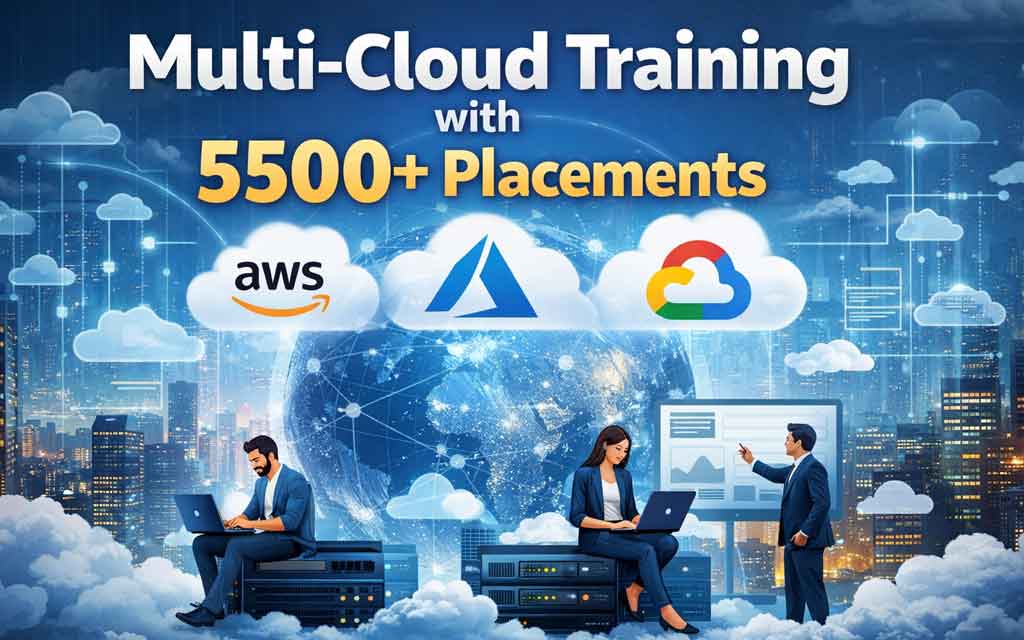
Become a multi-cloud DevOps engineer with AWS + Azure + GCP, Docker, Kubernetes, Terraform and the full DevOps toolchain — 4-month program with placement support.
 Trending
Azure fundamentals, AVD, Intune, Microsoft 365 with enterprise use-cases.
 Bestseller
EC2, S3, VPC, Lambda, EKS, Terraform, Jenkins. Real-time projects with placement.
 Bestseller
EC2, S3, VPC, Lambda, EKS, Terraform, Jenkins. Real-time projects with placement.
 New
New Trending
Azure fundamentals, AVD, Intune, Microsoft 365 with enterprise use-cases.
Curated question banks updated monthly — covering SRE, DevOps, Azure, AWS, Citrix, ML, RPA and more.
Browse all →
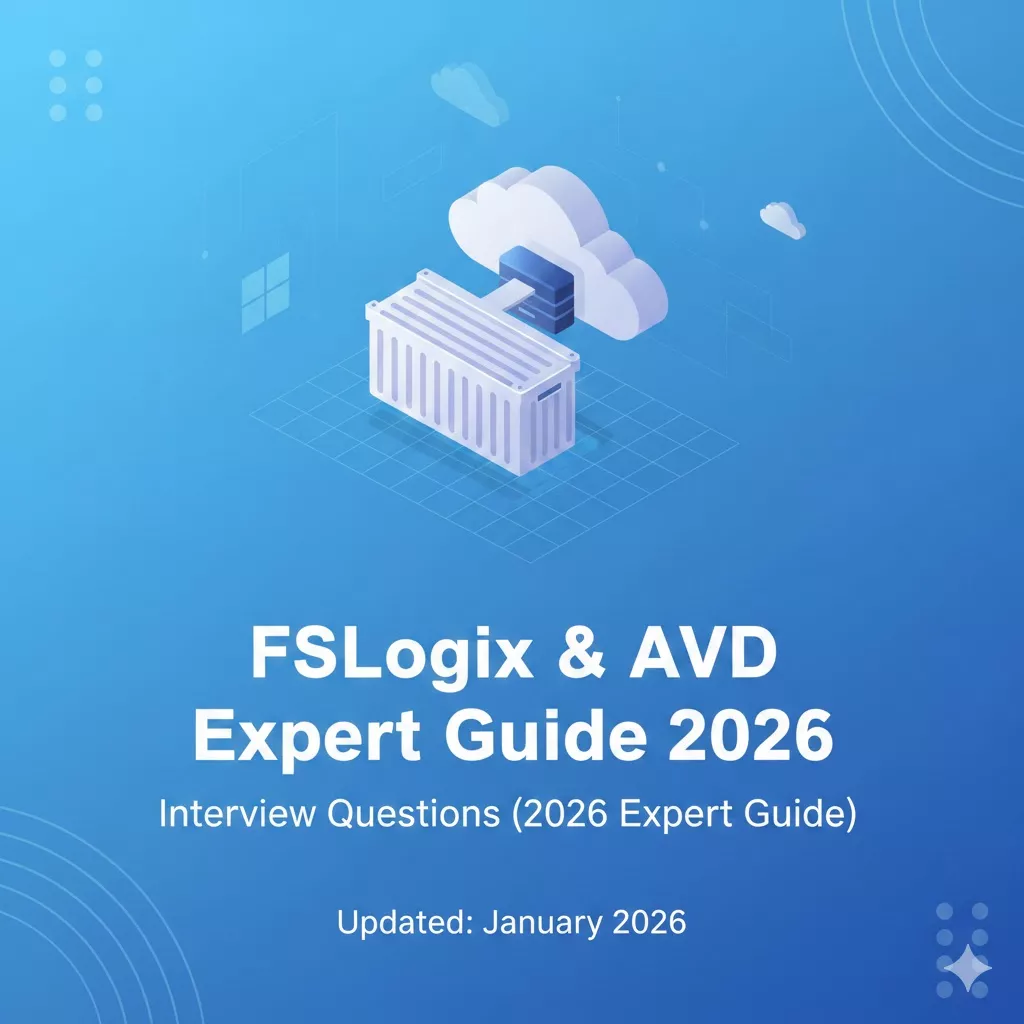
Placement updates, new batch announcements, and deep-dive technical articles. Published weekly by our trainers and placement team.
All news →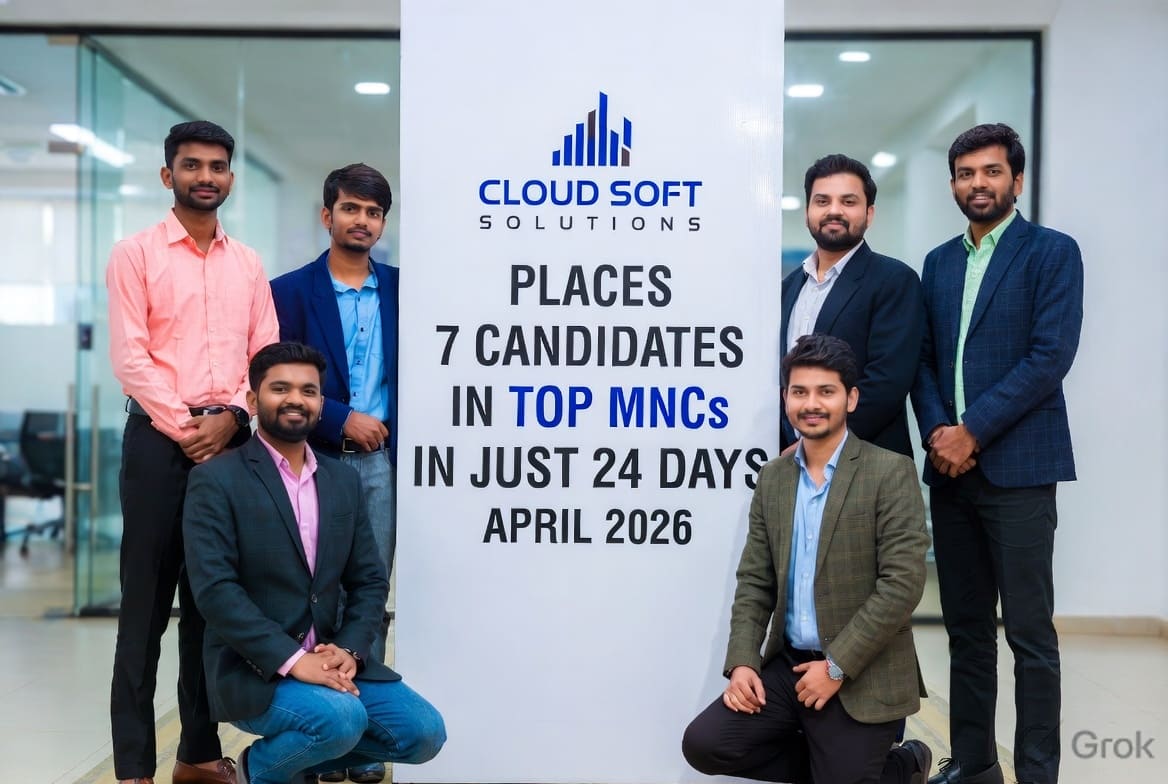 Blog
BlogCloudsoft Solutions has successfully placed 7 trained candidates in just 24 days across top MNCs in AWS, Azure, DevOps, VMware and Cloud Engineering roles — another proof point of …
News CloudsoftCoursesCloudsoftCourses
 Placements
 Placements
Curated roles at MNCs, consulting firms and product companies — with direct apply links, salary ranges and Cloudsoft's interview prep notes. Updated weekly.
All jobs →TCS Business Process Services hires Arts, Commerce, BBA and Science graduates from the 2026 batch into voice and non-voice operations across BFSI, retail and healthcare clients. Apply via the TCS NextStep portal and clear the BPS-NQT.
Walk-in fresher hiring for Wipro's Geo-Spatial team in Gachibowli — map editing, POI digitisation, GPS validation and Excel-based QC for global navigation and smart-city clients. Any graduate, 0 years, training provided.
Flipkart's SRE organisation keeps India's largest e-commerce platform up through Big Billion Days traffic spikes — the Graduate SRE role hires engineering freshers directly into platform reliability teams across checkout, search, supply chain and fulfilment.
Razorpay's SRE team runs India's largest fintech payments platform — Associate SRE is the graduate-to-SRE entry role, with structured on-call shadowing, Kubernetes fleet work, Terraform infrastructure-as-code, and production SLO ownership inside 18 months.
Google Cloud's Customer Engineer graduate track places fresh graduates into Google's India cloud organisation as pre-sales technical engineers — working directly with enterprise and startup customers on GCP architecture, proof-of-concepts, and migration design. Highest graduate package in Indian cloud hiring.
Microsoft India's MACH (Microsoft Aspire Experience) program places fresh graduates and recent-masters directly into Azure engineering teams — from core compute and networking to AKS, Azure OpenAI and Sentinel. Two years of structured mentorship and the strongest graduate package in Indian enterprise tech.